Got a little techonology problem that you need fixed pronto? Post it here and we'll see what we can do.
Moderator: Moderators
Knives
PPT God
Posts: 1143 Joined: Wed Jun 02, 2004 8:14 amLocation: In a cage...
#1
Post
by Knives Tue Oct 26, 2004 9:25 pm
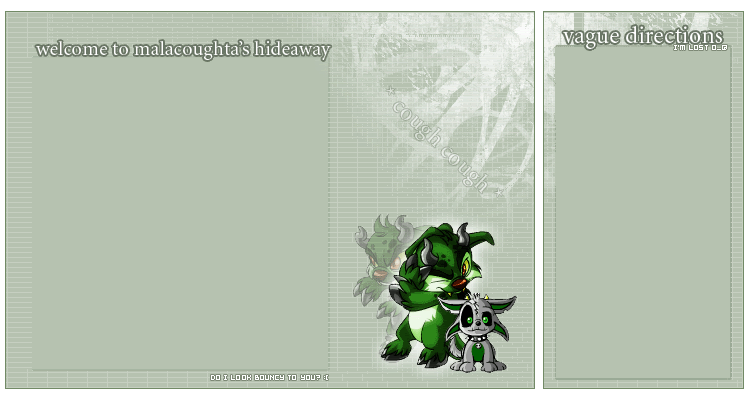
could someone please code the above, so that I have two spaces to write in? (ie. the space under the place where it says 'vague directions' and 'welcome to mala...')
Could you please code it like the neopets blogs? (WITH TABLES and stuff)
I would code it myself, but I do NOT know how to code it with tables.
vkceankraz
PPT God
Posts: 1195 Joined: Mon May 31, 2004 6:35 am
#2
Post
by vkceankraz Sun Oct 31, 2004 3:48 am
Let me know if it works or not.
Code: Select all
<TABLE WIDTH=750 BORDER=0 CELLPADDING=0 CELLSPACING=0 BACKGROUND="malpetlay.gif">
Knives
PPT God
Posts: 1143 Joined: Wed Jun 02, 2004 8:14 amLocation: In a cage...
#3
Post
by Knives Tue Nov 02, 2004 3:31 am
THANKS KIMMMMMMMMMM! Yes, it did work, and thanks again for coding it
(kims the best
)


 THANKS KIMMMMMMMMMM! Yes, it did work, and thanks again for coding it
  (kims the best
  )
)